Exported Locos
When a loco is exported from one company/country to another, we would generally use the "Link" function to link the loco record into both sets. We leave the record in the original set, so that any user who has historical records can still see those records correctly, and linking the loco to the new set allows it to be recorded in the new context.
However, we want the loco status to be different in the different sets - in the original set the status should show that the loco is exported, and in the new set the status should show the current status - eg "A" active or "S" stored.
The export function allows this.
Exporting a loco
Example class "DETR" in set "Test" - some of the trams are to be exported to class "Recipient" in set "Test2"
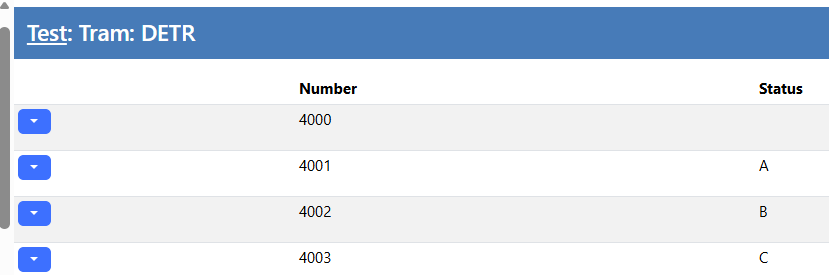
First step is to "Link" the items with the recipient class:
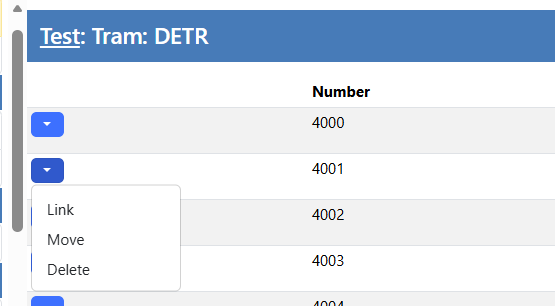
so, here we have linked units 4001, 4002 & 4003 to the recipient class:
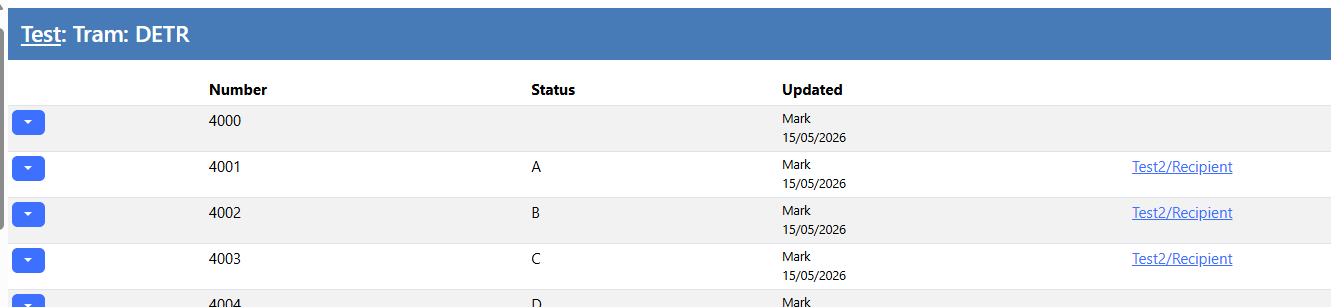
At this point the Export flag has not been set, so the status in TEST\DETR and Test2\Recipient are the same - if we edit one, then the change will effect both classes.
So we can set the Export flag in the editor grid:

Once we mark the loco's as exported, the displayed status is changed to "(E)":
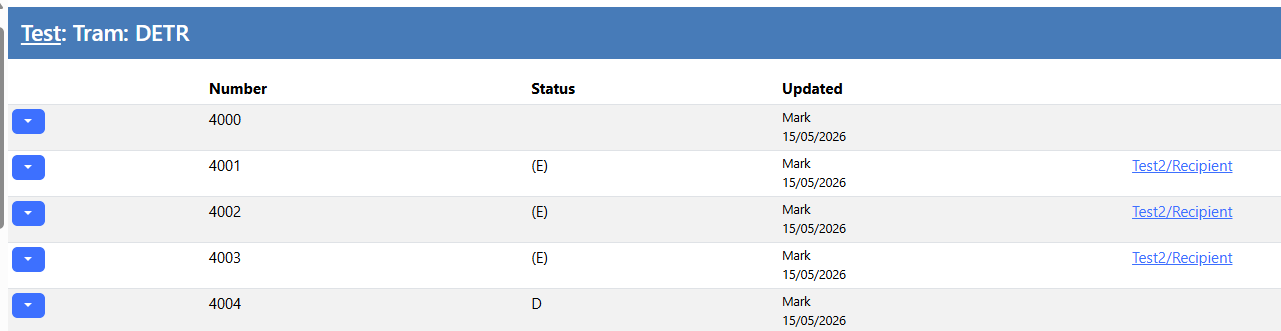
We can edit the status in the recipient set (Test2/Recipient) and the changes will not show in the original (Test/DETR) set (as above)
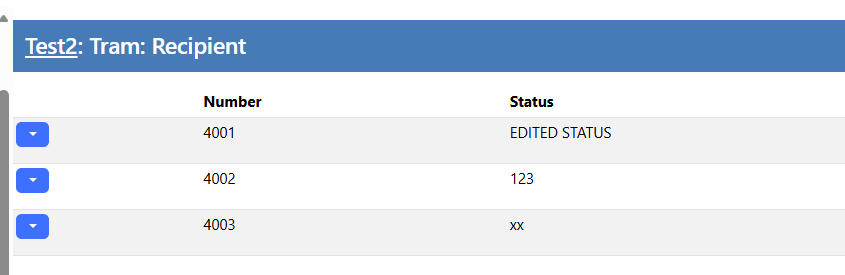
So we have achieved our aim of being able to update the status in the new set, but leaving the original set showing exported
In the data
(as used by the app) we can see the export flag set:

In the App
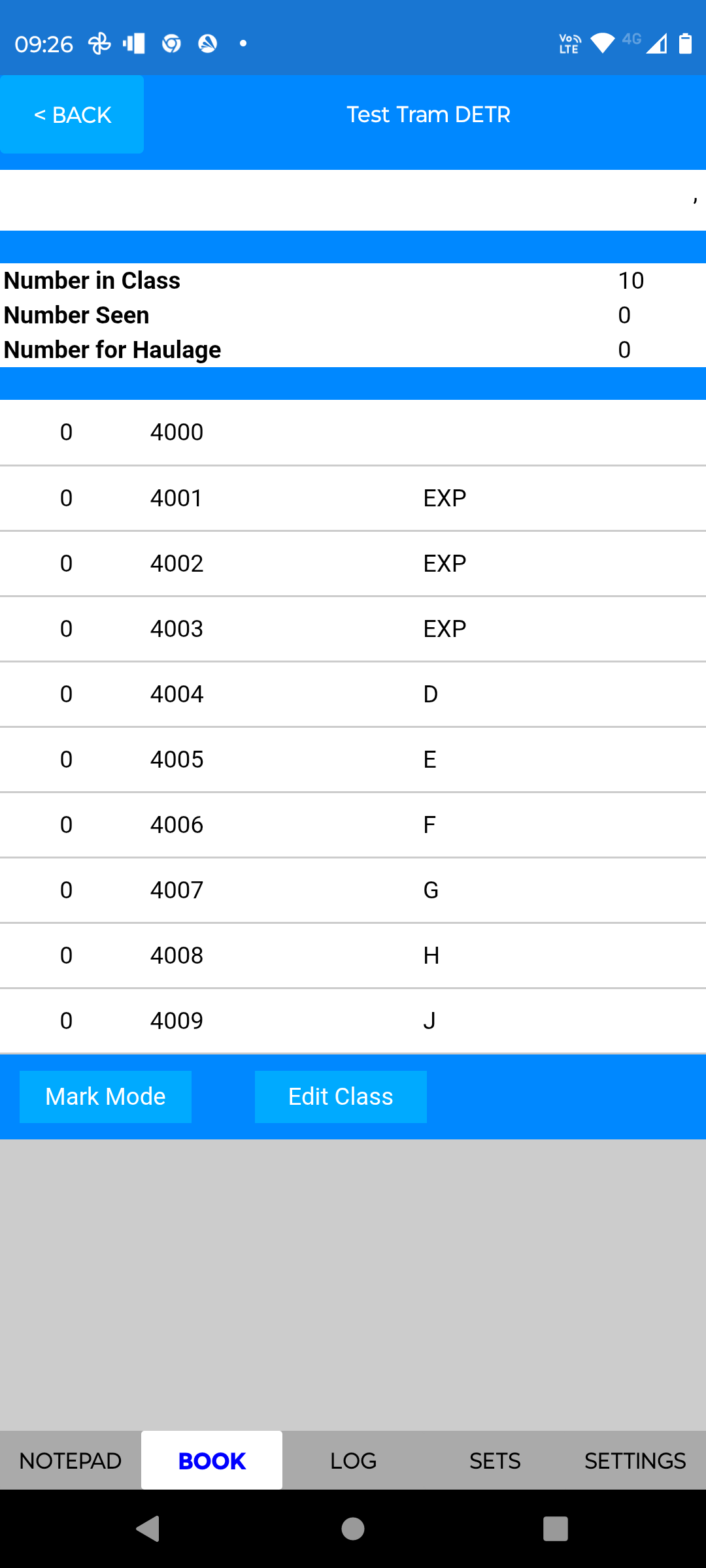
The app shows status "EXP" for exported items